
Hate Presenting on Video Calls? Try These 4 Online Presentation Tips
How to flow like a pro in online meeting presentations.
Why Video Presentation Anxiety Happens (And How to Fix It)
Let's be honest, for many people presenting slides on a virtual meet like Zoom feels completely unnatural. Unlike a real meeting where you can read the room, video calls force you to stare into a tiny glass camera lens while trying to manage PowerPoint slides, remember your talking points while fighting the urge to look down at your messy notes.
Here are 4 tips from experts that are battlefield tested to help you "flow like a pro":
1. Create a communication framework
Having a communication framework helps you stop rambling and speak with clarity and confidence under pressure. When you're hit with a question you weren't expecting, the sudden cognitive load can disrupt normal planning and speech leading to verbal disfluency AKA rambling. Creating a framework exclusively for how to handle questions you are unprepared for helps you get to an answer without rambling. An excellent example of this is the 3-2-1 method discussed by YouTuber and public speaker Vinh Giang.
When you're put on the spot, structure your answer in one of three ways:
What's the single most important point I want to make?
Can I divide my answer into two categories, perspectives or ideas?
Can I explain my answer as three points or steps?
Here is the link to his video and YouTube channel which has a practical example of this method.
2. Keep your slides simple
We've heard the saying a picture counts for a thousand words, well this is especially true for presentations. Wordy slides make it hard for people to imagine the possibilities of your goals and engage meaningfully. Graphs, charts and images help give meeting participants the "TLDR" while you provide the context and tell the story.
3. Rehearse out loud
Rehearsing out loud is one of the most important things you can do before a presentation. Know what you're going to say, how you're going to say it and the tone you need to bring to each slide. Practising out loud alone or in front of friends, family or colleagues will help you find your rhythm and swap out awkward words and sentences for better flow.
4. Use a Teleprompter
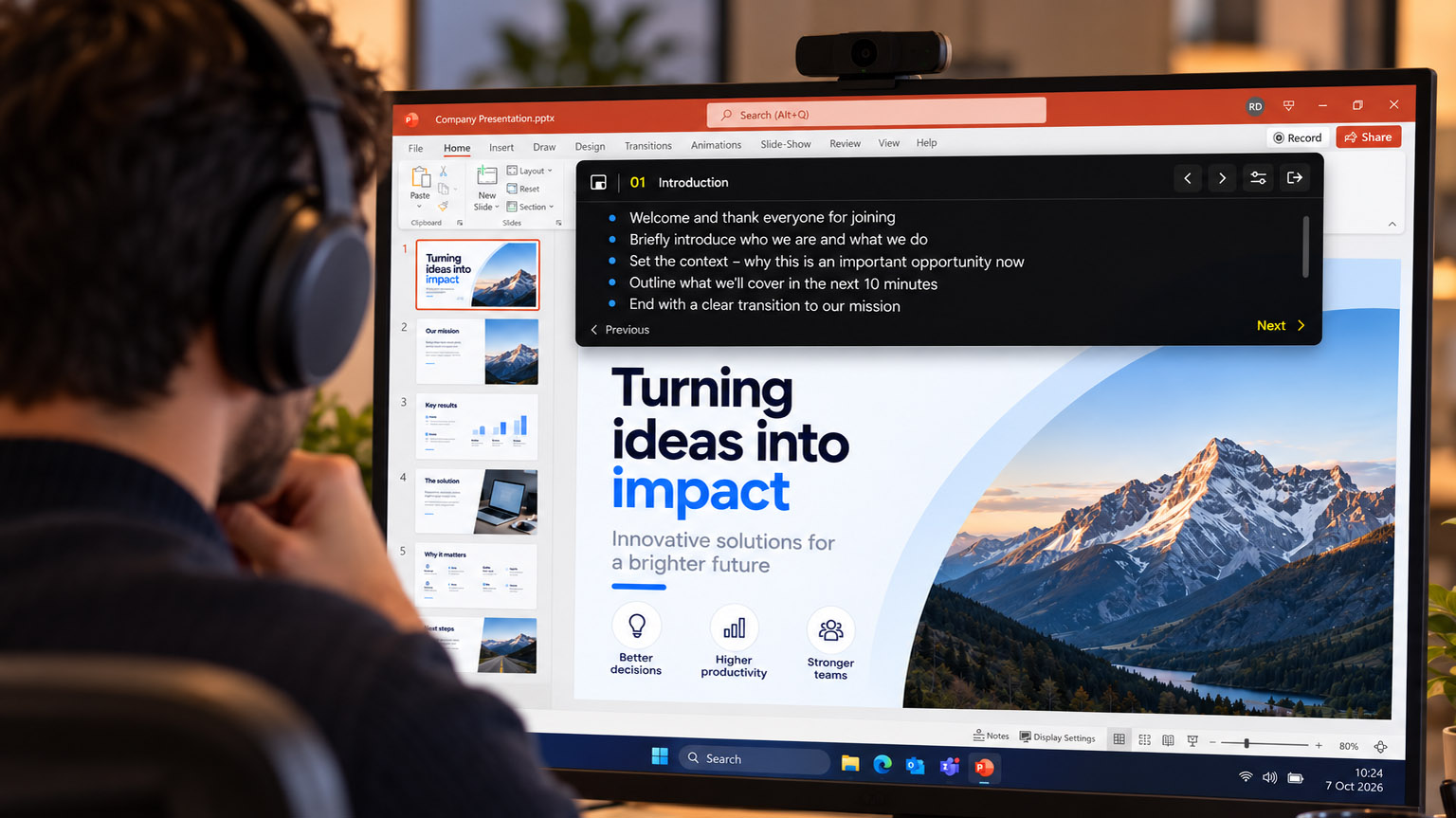
Online presentations don’t need physical prompting devices, but screen sharing creates a different problem. It can be difficult to keep your notes private while sharing screens or constantly looking at Post it notes surrounding your monitor. That’s where tools like PromptDeck come in. Keeping your talking points visible to you while you present and hidden from your audience.
Preload your presentation script in steps to represent talking points for each slide.
It stays on top of all applications that are open (so that you don't loose it behind your presentation).
Its 100% invisible to all meeting participants during screen share except you.
It's a ultra-low cost hack to the perfect pitch.